To analyze a golf swing on video: film from face-on and down-the-line at your phone's highest frame rate, step frame by frame through the checkpoints — setup, top of backswing, impact, finish — draw the swing plane and key angles on the freeze-frames, and compare side by side with either your best swing or a reference swing. Feel lies; the video doesn't.
Filming: two angles, done consistently
- Face-on: camera at chest height, square to your chest, far enough to see club and full body. Reads weight shift, head movement, and impact position.
- Down-the-line: camera behind you, on the ball–target line, at hand height. Reads swing plane, club path, and posture.
- Use 120 or 240 fps (Slo-Mo mode) — a driver head moves too fast for 30 fps to catch impact cleanly.
- Keep the setup identical between sessions: same angle, same distance, same club. Comparisons are only as good as the filming consistency.
The four checkpoints to step through
Load the video and use the frame-step buttons rather than playing at speed — positions live in single frames:
- Setup — spine angle, ball position, alignment. Draw your reference lines here.
- Top of backswing — clubface orientation, lead-arm line, hip vs. shoulder turn.
- Impact — shaft lean, hip clearance, head position vs. setup.
- Finish — balance and full release; a wobble here usually traces back to something two frames earlier.
Draw the lines that make faults visible
In Coach Video Analysis, open Markup on the setup frame:
- Swing plane line: a straight line up the shaft at address (down-the-line view). Through the swing, watch where the club travels relative to it.
- Head line: a horizontal reference at cap height (face-on). Excessive dipping or swaying crosses the line.
- Angle tool: drop three points to measure spine angle at setup vs. impact, or the trail-elbow angle at the top — in degrees, with draggable points.
- Tempo: the sequence tool timestamps takeaway, top, and impact, and reports the ratio — the classic 3:1 tempo check.
Drawings stay anchored while you scrub, so a line drawn at address is still there at impact — that's the whole trick.
Compare with a reference swing
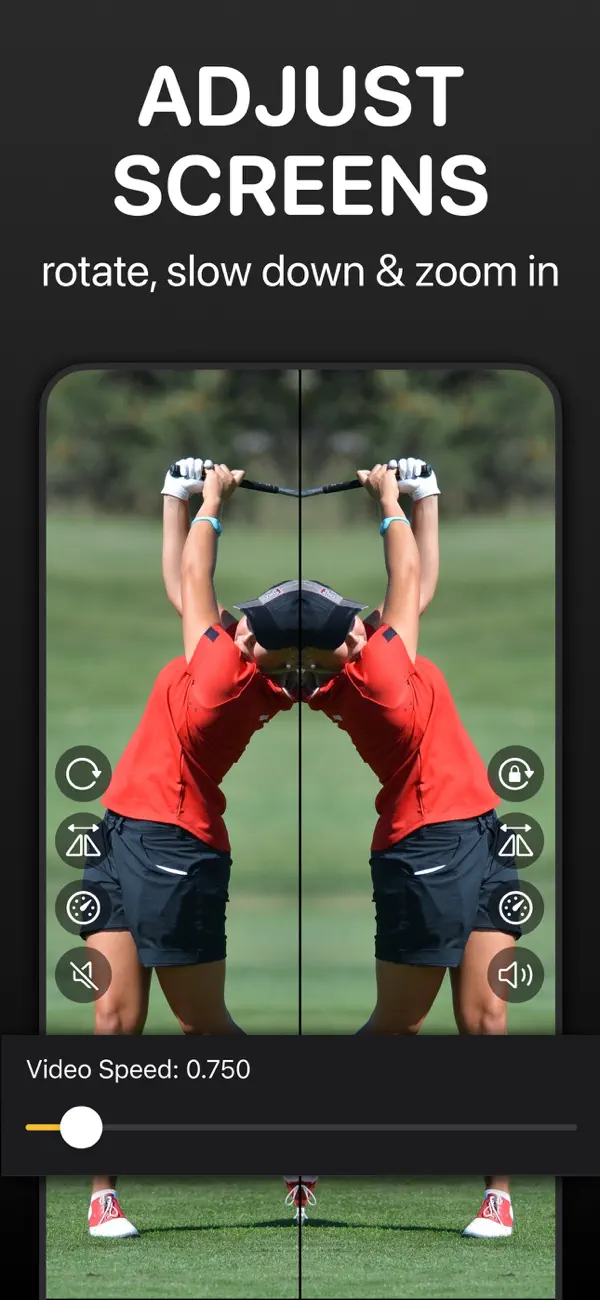
Load your swing and the reference — your own best swing, or a pro filmed from the same angle — as two videos. Choose side-by-side layout, step both to impact, and tap Lock: the swings now play and frame-step in sync from the same instant. Flip one horizontally if the reference golfer swings the other way. Slow both to 1/4 speed and watch transition; that's where amateur and pro diverge most visibly. The mirror drawing option copies each line you draw onto both videos, so your plane line sits identically on both swings.
Keep a record: kinogram your swing
Capture the four checkpoint frames with the F button and export a kinogram — your whole swing as one image. Date it, and after your next lesson block export another one; the side-by-side of two kinograms is the clearest progress report a golfer can have.
 Analyze your swing in Coach Video Analysis
Frame-by-frame stepping, playback down to 1/16 speed, swing-plane lines and three-point angles, side-by-side comparison with one-tap sync, horizontal flip for opposite-handed references, kinogram export, and a free AI skeleton overlay with a golf preset. iPhone, iPad, and Mac — free to download.